Clearly. A native markdown editor for Mac and iPhone.
Open a markdown file. Write with syntax highlighting. Toggle to a beautiful preview. Free and open source.
v3.3.0 · Requires macOS Sequoia or later
Writing
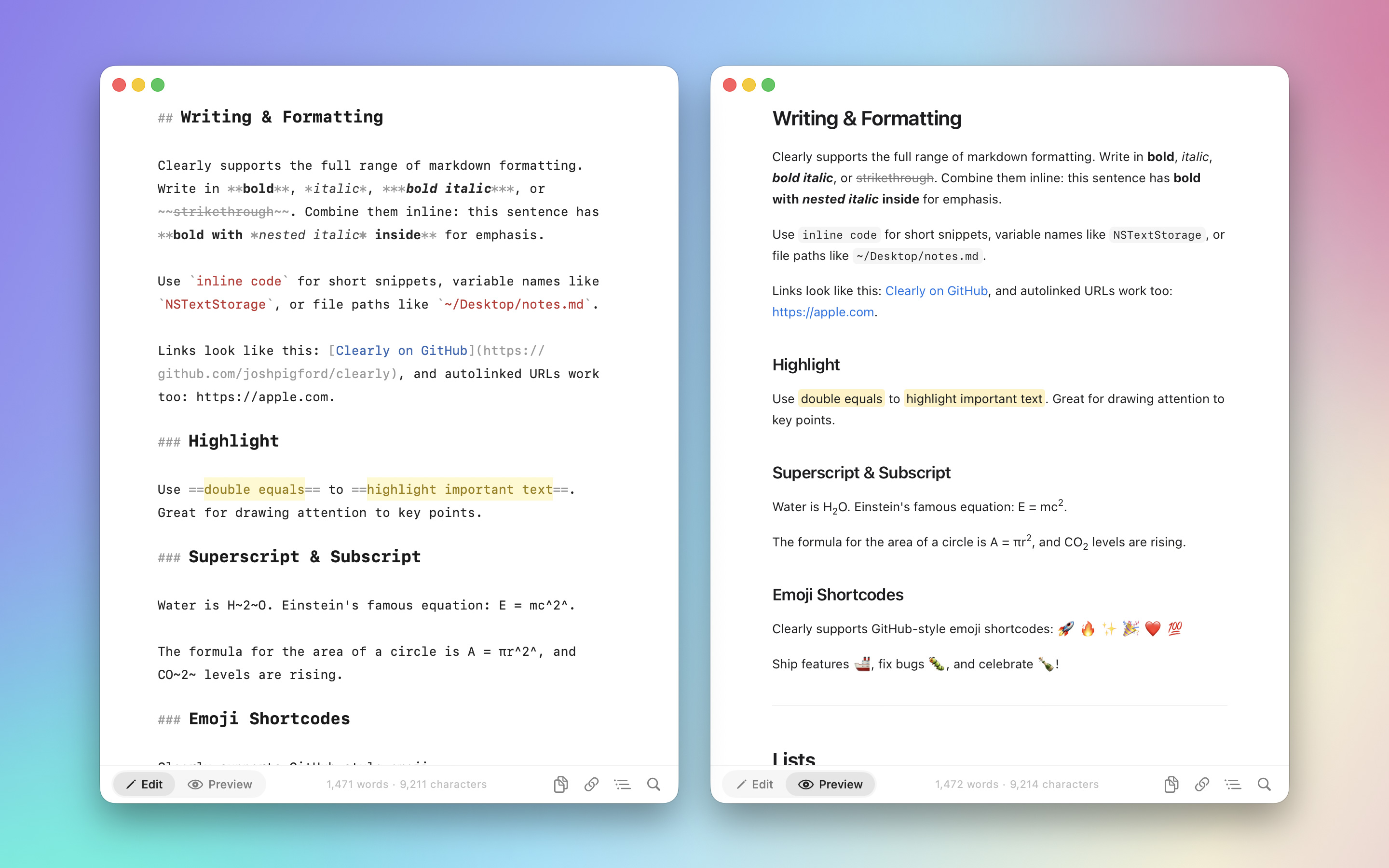
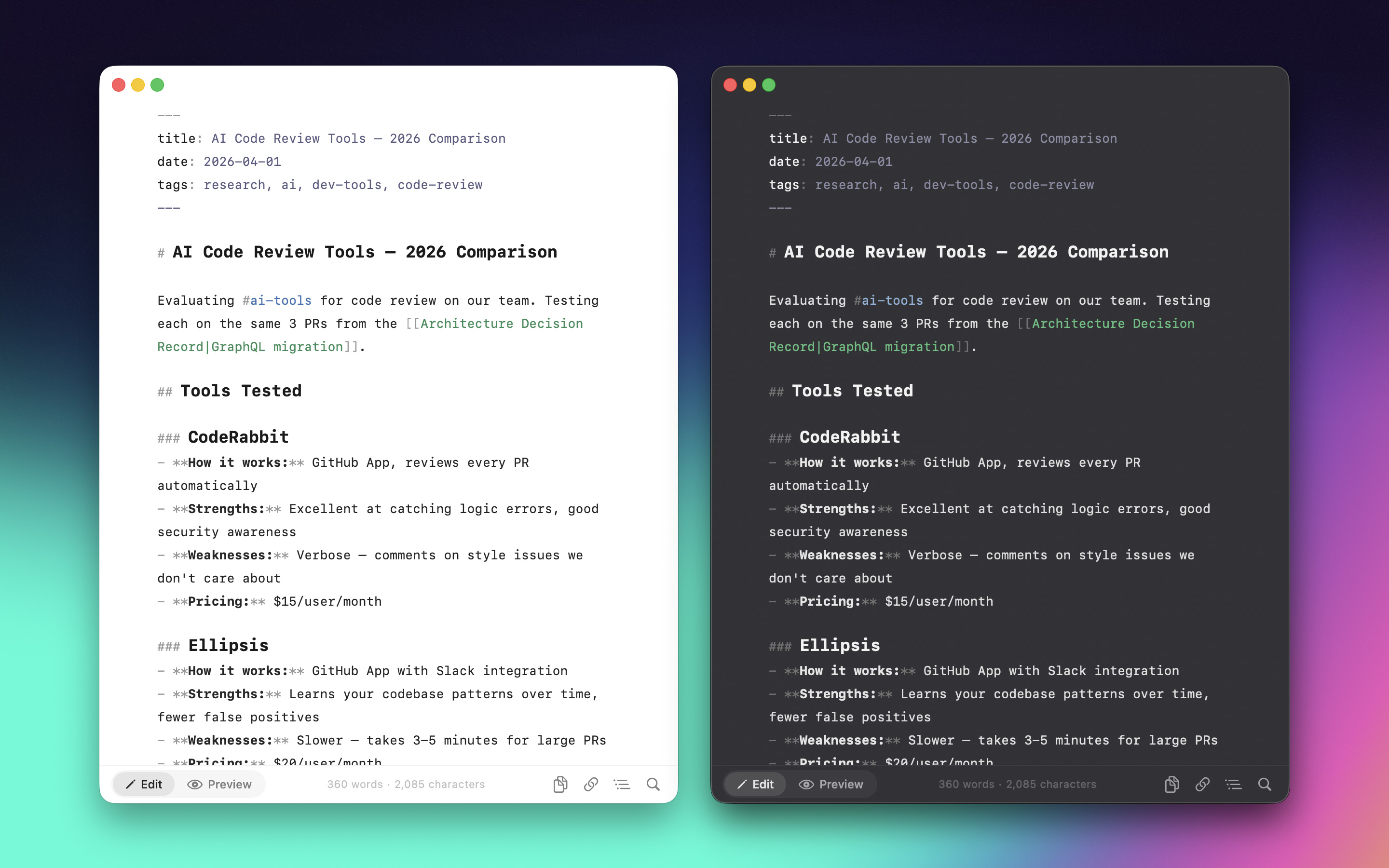
- Syntax Highlighting
- — Headings, bold, italic, links, code blocks, tables, highlighted as you type.
- Format Shortcuts
- — ⌘B bold, ⌘I italic, ⌘K links, plus a full Format menu.
- Extended Markdown
- — Highlights, superscript, subscript, emoji shortcodes, table of contents.
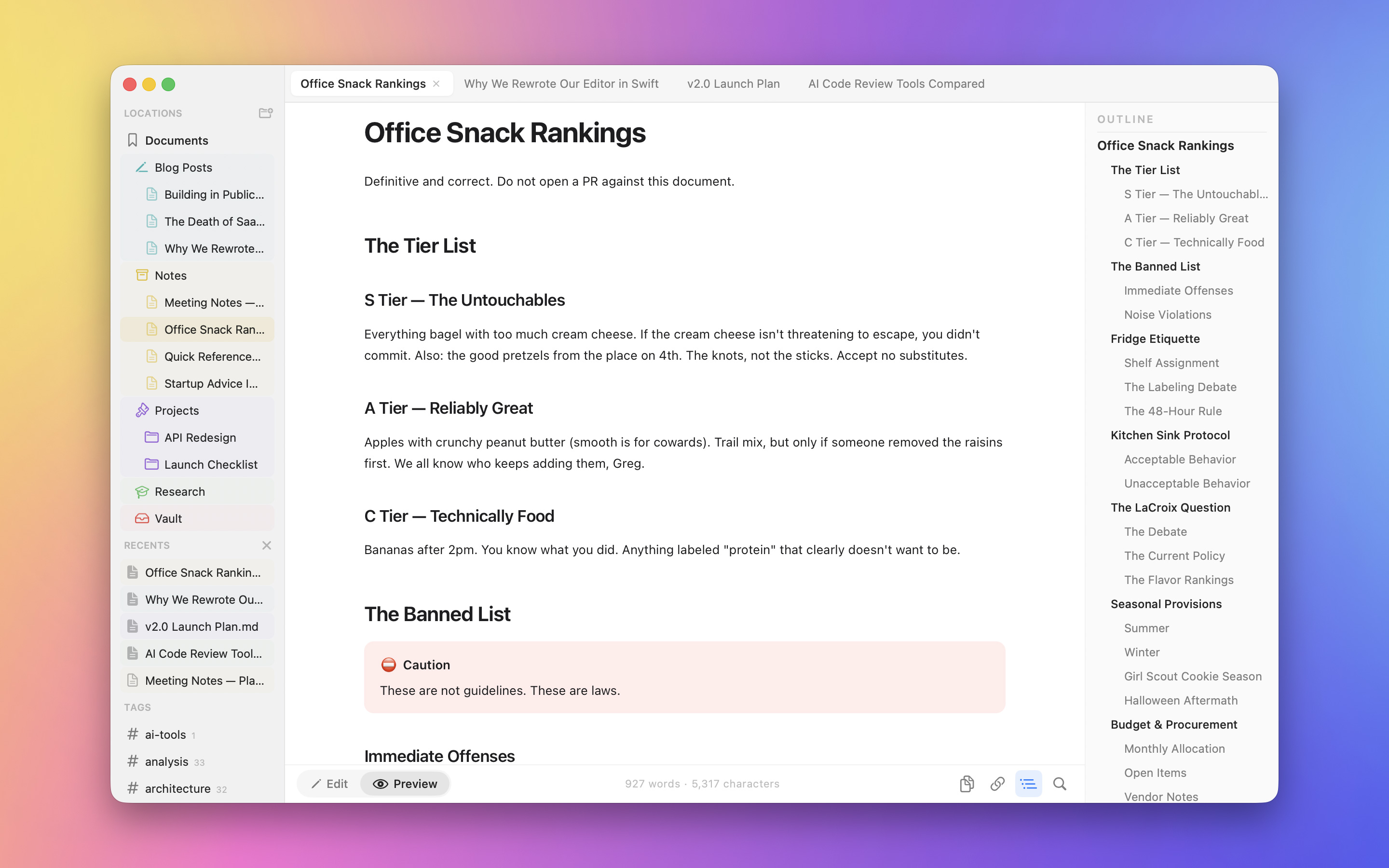
- Document Outline
- — Heading tree per document. Click to jump.
- Find & Replace
- — ⌘F with regex and case-sensitive options.
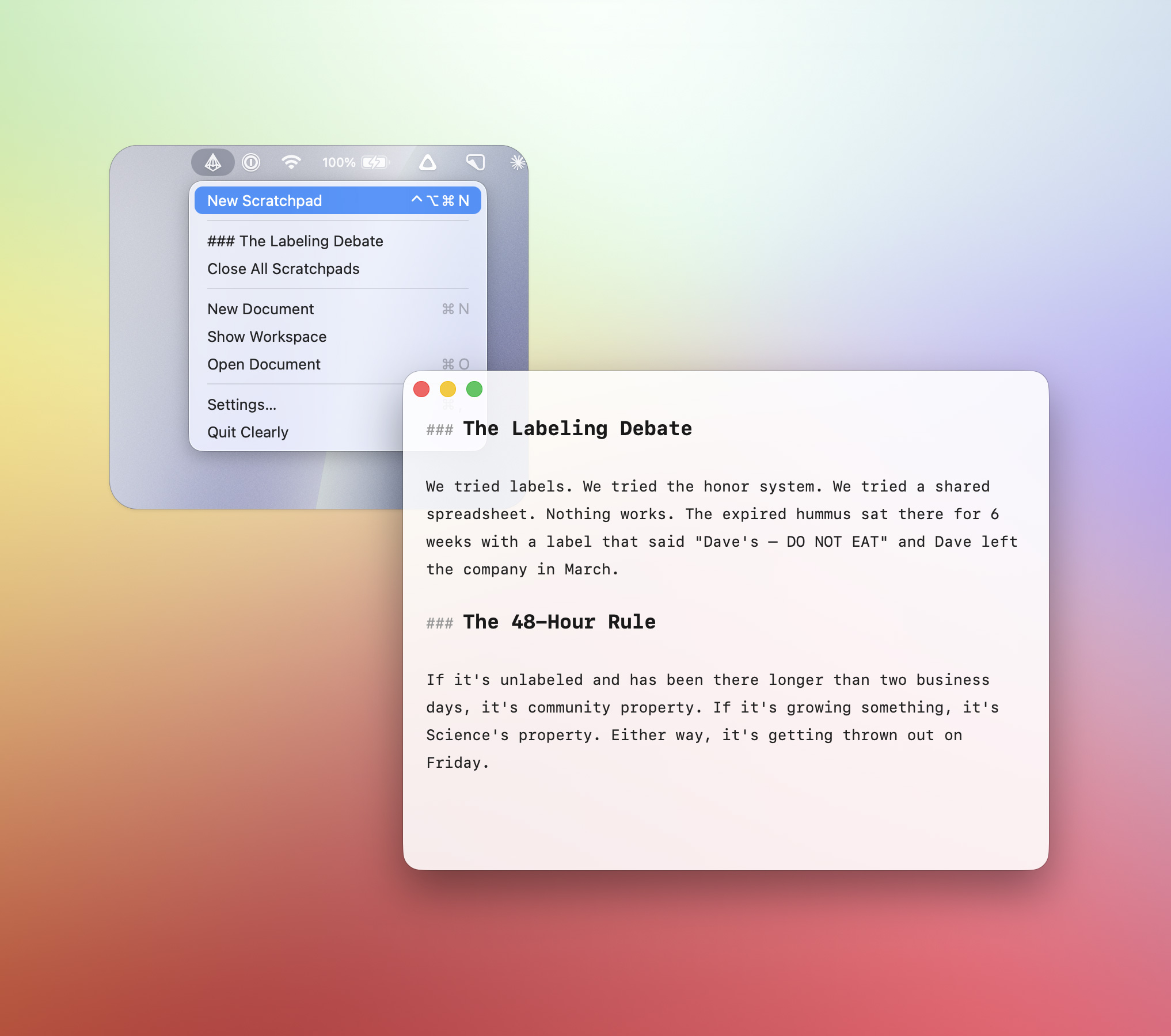
- Scratchpad
- — Menu-bar floating notes with a global hotkey.
Preview
- GFM Rendering
- — Tables, task lists, footnotes, strikethrough.
- KaTeX Math
- — Inline and block equations.
- Mermaid Diagrams
- — Flowcharts, sequence diagrams from code blocks.
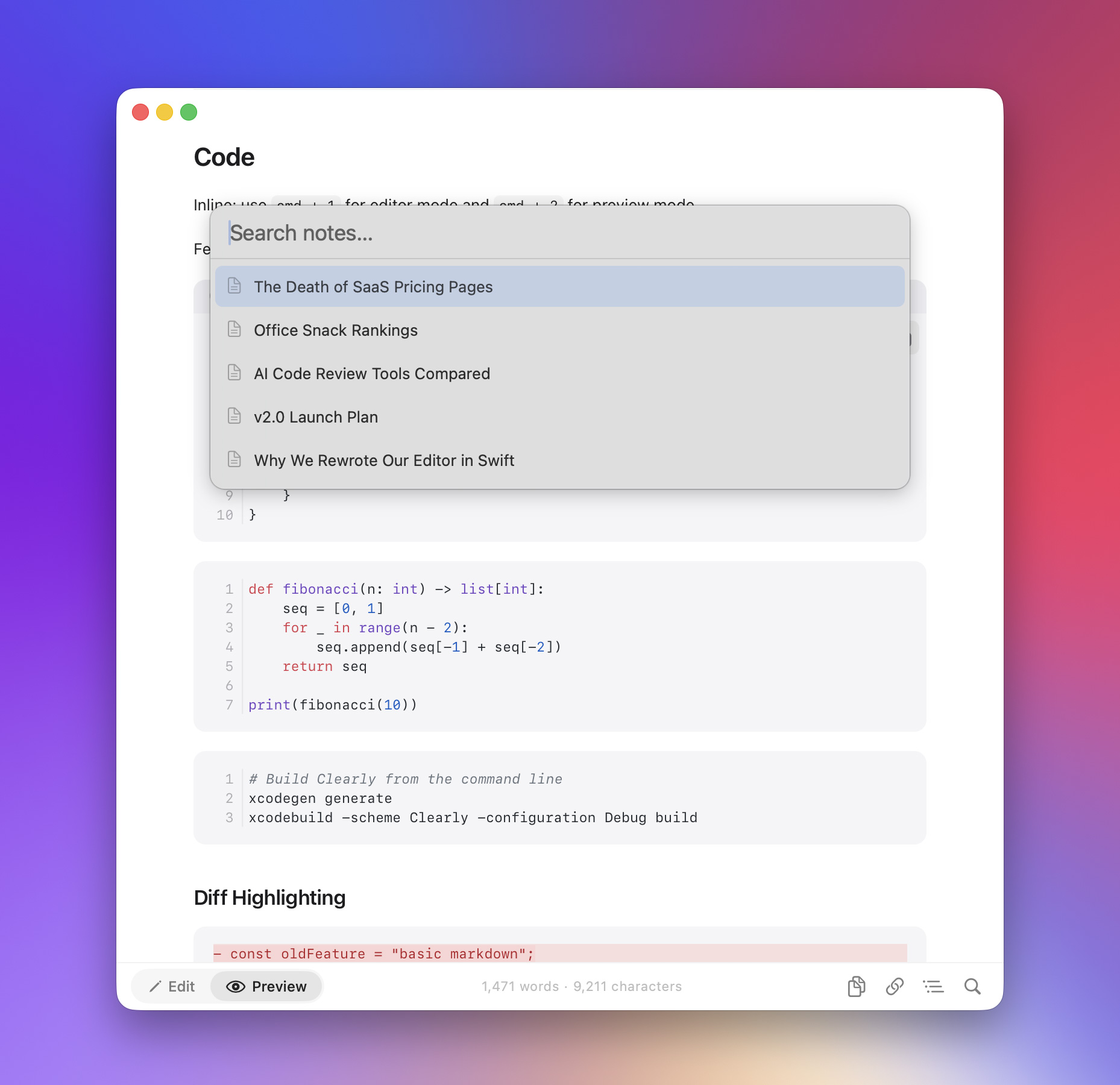
- Code Blocks
- — Syntax highlighted, line numbers, diff highlighting, one-click copy.
- Callouts
- — NOTE, TIP, WARNING, and 15+ types. Foldable.
- Interactive
- — Toggle checkboxes, zoom images, hover footnotes, double-click to source.
Integration
- QuickLook
- — Preview .md files in Finder with Space.
- PDF Export
- — Export or print. Page breaks handled.
- iOS
- — Same renderer, same syntax highlighter. Opens any .md from the Files app.